Android · Live · v1.3.6
Built for
the front desk.
Every task, every room, every guest, one tap away. Get the HotelFox Staff app on your team's phones in under a minute.
4c4a9f5c3ea1…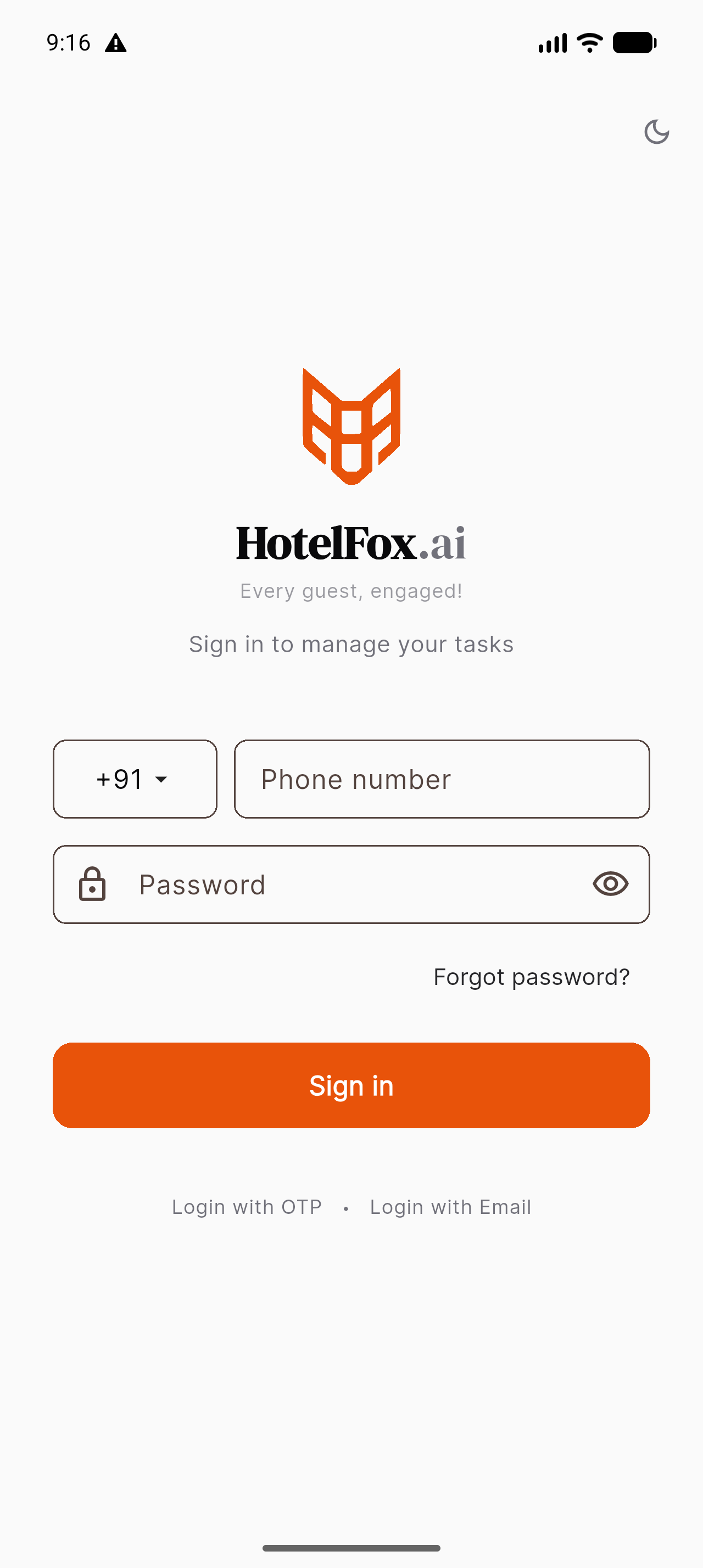
Direct APK install
Skip the Play Store. Download and sideload, the fastest path to your staff's phones while we finish Play certification.
Download APK, 32 MB- Version
- 1.3.6
- Min OS
- Android 7+
- Build
- June 2026
iPhone & iPad
We're polishing the iOS build for TestFlight. If most of your team is on iPhone, let us know and we'll bump it up the queue.
Join the iOS waitlist →- ETA
- Q3 2026
- Min OS
- iOS 15+
- Channel
- TestFlight
Three steps · 60 seconds
Sideloading is a one-time thing.
- 01
Download the APK
Tap the orange button. The file lands in your Downloads folder.
- 02
Allow install from browser
When Android asks, grant your browser permission to install. (Settings → Apps → Special access → Install unknown apps.)
- 03
Open and sign in
Tap the downloaded file, hit Install, and sign in with the phone + password your hotel admin sent you.
Onboard your team in a tea-break.
Share hotelfox.ai/download with your front desk, housekeeping, and F&B. They'll be signed in before the next check-in.